
Cách bảo mật online Gen Z VN 2026 — password, 2FA, phishing, VPN
Cách bảo mật online Gen Z VN 2026 — strong password, 2FA, phishing detect, VPN. Protect identity + finance.
Mục lục (43 mục)
Tóm tắt nhanh — 10 essentials bảo mật
| # | Action | Priority |
|---|---|---|
| 1 | Password manager use | Critical |
| 2 | 2FA enable everywhere | Critical |
| 3 | Unique password each site | Critical |
| 4 | Email primary protect | Critical |
| 5 | Software update automatic | High |
| 6 | Phishing detection | High |
| 7 | VPN public Wi-Fi | Medium |
| 8 | Privacy settings audit | Medium |
| 9 | Data breach monitor | Medium |
| 10 | Backup important files | Low |
Vì sao Gen Z target hackers
Reasons:
- Online life extensive (social, finance, work)
- Less suspicious than older
- Multiple accounts cross-platform
- Younger = decades of life ahead (long-term value)
Common attacks:
- Account takeover (Instagram, banks)
- Phishing emails / messages
- Crypto scams
- Identity theft
- Romance scams
10 essentials chi tiết
1. Password manager use
Lựa chọn tốt:
- 1Password ($3/month) — most polished
- Bitwarden (free + paid) — open source
- Dashlane (free + paid)
- LastPass (avoid recent breaches)
Vì sao:
- Generate strong passwords
- Store securely encrypted
- Auto-fill all devices
- Master password only one to remember
Chuẩn bị:
- Install on phone + computer + browser
- Generate master password (memorize)
- Add accounts gradually
- Enable 2FA on password manager
2. 2FA enable everywhere
Method ranked best to worst:
Hardware key (best):
- YubiKey 5C ~$50
- Physical authenticator
- Most secure
- Supported major sites
Authenticator app:
- Authy (free)
- Google Authenticator (free)
- Microsoft Authenticator
- 1Password built-in
SMS (weakest but better than nothing):
- Vulnerable SIM swap
- Use only if no other option
- Switch to app ASAP
Recovery codes:
- Save offline / password manager
- 8-10 codes
- Don't lose access account
Apply 2FA on:
- Email primary (CRITICAL)
- Banking
- Social media
- Crypto exchanges
- Work accounts
3. Unique password each site
Vì sao quan trọng:
- 1 breach exposes all if reused
- Hackers test stolen credential elsewhere
- Most users 70% reuse same password
Cách xử lý:
- Password manager generates unique
- 16+ characters minimum
- Mix uppercase, lowercase, numbers, symbols
Example strong password:
- "Sunset!Beach42@Resort#Year2026"
- Or random "Xj9#mK2pL@vN4qR8"
4. Email primary protect
Vì sao quan trọng:
- All password resets go to email
- Master key digital life
- Common breach target
Protection:
- Strong password 16+
- Hardware key 2FA
- Different email backup
- Don't share publicly
- Avoid Gmail + Yahoo for sensitive (use Proton Mail)
Email best practices:
- Separate email for finance
- Different email signup random sites
- Disposable email (TempMail) for one-time
- Forwarding masking
5. Software update automatic
Vì sao:
- Security patches critical
- Vulnerabilities discovered constantly
- Old software = easy target
Apply auto-update:
- iOS: Settings → General → Software Update → Automatic
- Android: Play Store → Auto-update
- Windows: Settings → Update & Security
- macOS: System Settings → General → Software Update
Apps:
- Auto-update enabled
- Browsers especially
- Operating system priority
6. Phishing detection
Phishing signs:
- Urgent tone "Your account locked"
- Mismatched sender + URL
- Spelling / grammar errors
- Generic greeting "Dear customer"
- Suspicious attachments
- Threats consequences
Red flags VN-specific:
- "Tiền thưởng / refund" emails
- Bank impersonation
- Shipping company fake
- "OnePiece live show" scams
- Crypto "investment opportunity"
Verify before click:
- Hover link see actual URL
- Type address directly browser
- Contact company through official channel
- Search company news current
Common targets:
- Banking emails
- Shipping notifications
- Service warnings
- Government tax season
7. VPN public Wi-Fi
Vì sao:
- Public Wi-Fi unencrypted
- Anyone same network can sniff
- Coffee shop, hotel, airport
Top VPN:
- NordVPN ($$ premium)
- ExpressVPN ($$ best speed)
- ProtonVPN (free + paid)
- Mullvad (privacy-focused, $5/month)
When use VPN:
- Public Wi-Fi always
- Travel
- Sensitive work
- Bypass geo-block (Netflix, etc.)
When skip VPN:
- Home Wi-Fi (already secure)
- Banking (HTTPS adequate)
- Most daily use
8. Privacy settings audit
Apps to audit yearly:
- Facebook / Instagram (Meta)
- TikTok
- Google account
- Apple ID
- Microsoft account
What to set:
- Profile private (if comfortable)
- Limit data sharing
- Remove old connected apps
- Review login activity
- Check downloaded data
Google checkup:
- myactivity.google.com
- Review activity history
- Delete old searches
- Limit ad personalization
Apple privacy:
- Settings → Privacy & Security
- App tracking transparency
- Limit ad tracking
- Review location services
9. Data breach monitor
Free tools:
- Have I Been Pwned (haveibeenpwned.com)
- Mozilla Monitor
- Password manager built-in
Action when breach:
- Change affected password immediately
- Enable 2FA if not
- Monitor account activity
- Check related accounts
10. Backup important files
3-2-1 rule:
- 3 copies
- 2 different media
- 1 offsite
Implementation:
- Computer files
- External SSD backup
- Cloud backup (Backblaze, iCloud)
Cloud options:
- iCloud (50GB ~25k/month)
- Google Drive (100GB ~80k/month)
- Dropbox ($10/month 2TB)
- Backblaze ($7/month unlimited)
Specific concerns VN
Banking security:
Smart Banking apps:
- Set device-only login
- Biometric (Face ID, fingerprint)
- 2FA via OTP
- Don't share OTP ever
Bank policy:
- Set transaction limits low
- Notification all transactions
- Lock card if lost via app
Social engineering:
Common scams VN:
- "Bộ Công An" call fake
- "Notice tax owe"
- Boyfriend / girlfriend stranger online
- Investment "guaranteed return"
- Crypto "exchange admin"
Rules:
- Government calls: hang up + call back officially
- Banking: only via app login
- Investment: research independently
- Boyfriend / girlfriend online: meet in-person
- Crypto: never share key + seed
Phone security:
Lost phone procedure:
- Remote lock device (Find My)
- Erase remotely
- Change main passwords
- Report to carrier
- Police report if needed
SIM swap protection:
- Set PIN on carrier account
- Don't share phone number publicly
- Use authenticator apps (not SMS) for important
Browser security
Best browsers:
- Brave (privacy + speed)
- Firefox (open source + privacy)
- Safari (Apple ecosystem)
- Edge (Microsoft)
Chrome considerations:
- Most popular but Google data heavy
- OK if okay with data collection
- Use with privacy extensions
Privacy extensions:
- uBlock Origin (ad block)
- Privacy Badger (tracker block)
- HTTPS Everywhere (force HTTPS)
- DuckDuckGo (search engine)
Email aliases
Hide-my-email services:
- Apple Hide My Email (iCloud+)
- DuckDuckGo Email Protection
- SimpleLogin (Proton)
Why use:
- Sign up sites without revealing real email
- Detect data breach which service leaked
- Easily disable spam source
Crypto security
Hardware wallet:
- Ledger Nano X / S Plus ($79-149)
- Trezor Model One / T ($69-219)
- Most secure for crypto holdings
Thực hành tốt:
- Seed phrase OFFLINE (paper, never digital)
- Never share seed (even support)
- Multi-sig for large amounts
- Limit exchange storage
- Verify URL exchange (phishing common)
Tránh:
- Hot wallet (online) for life savings
- Random "support" DM (always scam)
- Trust other website private key
- Public Wi-Fi for crypto transactions
Identity protection
Document care:
- Don't post ID photos online
- Mask sensitive info screenshots
- Secure shred old documents
- Photo important IDs (backup)
Phone number protection:
- Don't share publicly
- Burner numbers (Google Voice, Hushed)
- Carrier PIN setup
Children + Family education
Parent guide:
- Teach kids password safety
- Family password manager (1Password Families)
- Open communication about online risks
- Privacy settings on kid accounts
Romance scams elderly:
- Education parents + grandparents
- "Romance scam" awareness
- Never send money to online romance
Tools helpful
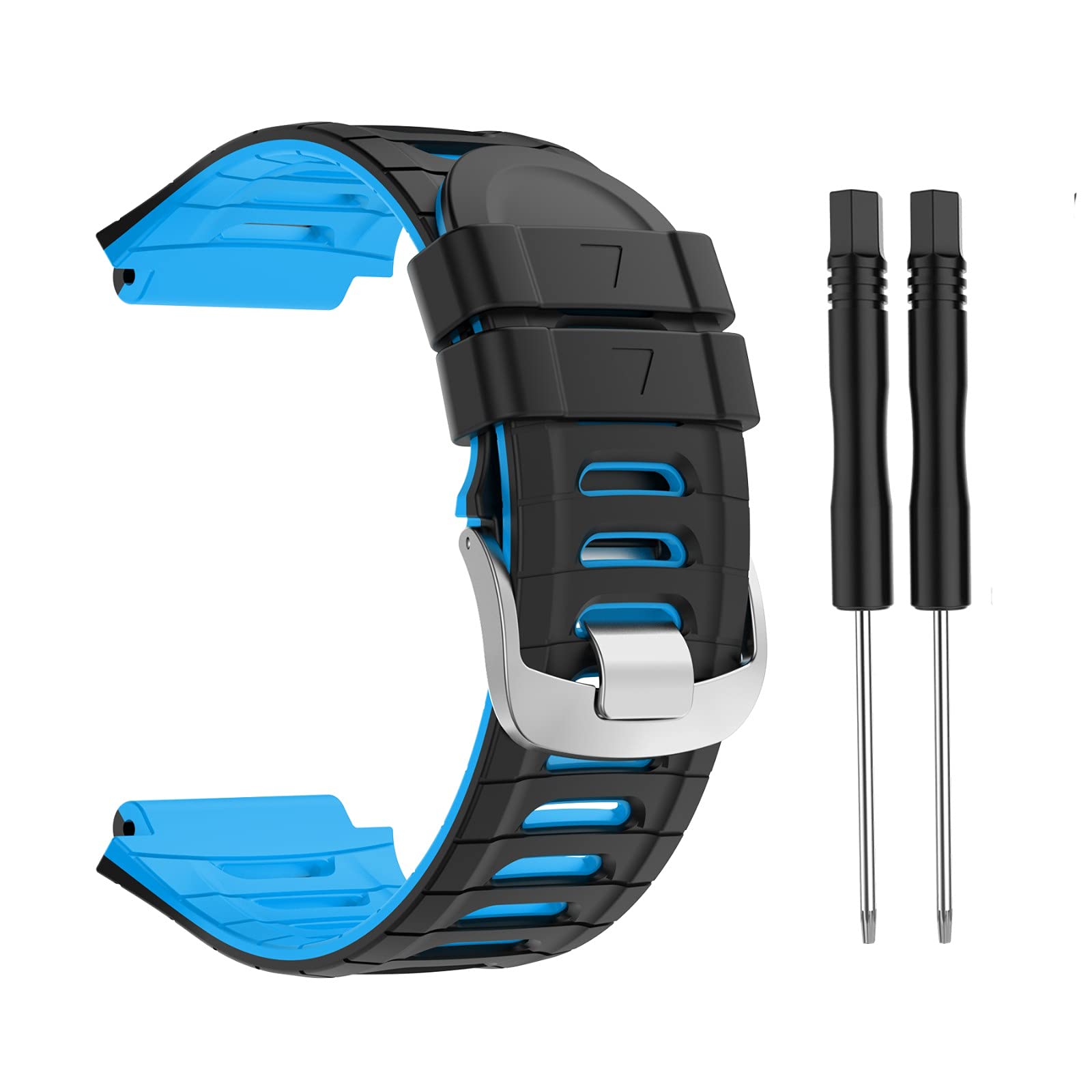
Mi Band 9 — biometric data wearable, secure with Mi Account 2FA.
Security checkup tools:
- Password Audit in password manager
- Mozilla Monitor
- Apple "Sign in with Apple"
- Two Factor Auth List (twofactorauth.org)
Chiến lược dài hạn
Annual security audit:
- Review all account access
- Update passwords
- Audit 2FA settings
- Privacy settings each app
- Clean unused accounts
When account compromised:
- Change password immediately
- Enable 2FA if not
- Check email forwarding rules
- Review sent items / login activity
- Inform contacts if necessary
Resources
Learn more:
- EFF Surveillance Self-Defense (ssd.eff.org)
- Cybersecurity & Infrastructure Security Agency
- Privacy Tools (privacytools.io)
- r/privacy Reddit community
News follow:
- Brian Krebs (krebsonsecurity.com)
- Schneier on Security
- Vietnamese: VNCERT updates
Sai lầm thường gặp
| ❌ Sai | ✅ Sửa |
|---|---|
| Same password multiple sites | Password manager unique |
| SMS 2FA only | App + hardware key |
| Public Wi-Fi banking | VPN or skip |
| Click email link bank | Type address directly |
| Trust "support" DM | Official channel only |
FAQ chi tiết
Password manager an toàn không?
Yes, if reputable brand. Bitwarden open-source audited. 1Password tested. End-to-end encrypted. Single point failure but encrypted with master password.
VPN cần thiết không?
Public Wi-Fi: yes. Home Wi-Fi: optional (HTTPS adequate most). Privacy concern: yes consider.
2FA app vs SMS — khác nhiều không?
Yes. App TOTP secure, SMS vulnerable SIM swap. Switch all SMS 2FA to app ASAP.
Mua password manager chính hãng?
Directly from website:
- 1password.com
- bitwarden.com
- Avoid: pirated, third-party reseller