
Cách build PC coding cho developer Gen Z VN 2026 — components + budget 25tr
Cách build PC coding cho developer Gen Z VN 2026 — Ryzen 7 + 32GB RAM + 1TB SSD. Budget 25tr complete dev workstation.
Mục lục (55 mục)
Tóm tắt nhanh — build 25tr dev PC
| Component | Choice | Giá VN |
|---|---|---|
| CPU | AMD Ryzen 7 8700G | 6-7tr |
| Motherboard | B650 Mid-range | 3-4tr |
| RAM | 32GB DDR5 5600 | 3-4tr |
| Storage | NVMe 1TB Samsung 990 | 2-3tr |
| GPU | Integrated (Radeon 780M) | 0 |
| PSU | 650W 80+ Gold | 1.5-2tr |
| Case | Mid tower | 1-1.5tr |
| Cooler | 240mm AIO or Air | 1-2tr |
| Total | Complete build | ~20-25tr |
Vì sao build PC vs laptop developer
PC advantages:
- More performance per $
- Easy upgrade components
- Better cooling sustained workload
- Multiple monitor easy
- 6-10 năm lifespan
Laptop advantages:
- Portable
- All-in-one
- Smaller footprint
- Battery (work anywhere)
For developer:
- Stationary work mostly = PC
- Travel + remote = laptop
- Both ideal (laptop for travel, desktop home)
Component breakdown
CPU (processor)
Why important:
- Compile speed
- Multi-task many windows
- Build / test cycles
- Docker, VMs
Budget options:
- AMD Ryzen 5 7600 ~4tr (entry developer)
- AMD Ryzen 7 7700 ~6tr (mid)
- Intel i5-13500 ~5tr
- Intel i7-13700 ~7tr
Mid-tier sweet spot:
- AMD Ryzen 7 8700G ~6-7tr
- Built-in iGPU (no need separate GPU)
- 8 cores 16 threads
- Excellent for coding + light gaming
Pro tier:
- AMD Ryzen 9 7950X ~12tr
- Intel Core i9-14900K ~13tr
- Heavy workload (video edit + dev)
Motherboard
Compatibility check:
- AMD AM5 socket (Ryzen 7000/8000)
- Intel LGA1700 (12-14 gen)
- DDR5 vs DDR4
Khuyên dùng:
- MSI B650 Gaming Plus WiFi ~3.5tr (AMD)
- ASUS B650M-A ~3tr
- Gigabyte B660 (Intel) ~3tr
Features needed:
- Wi-Fi 6
- USB-C
- Multiple M.2 slots
- Bluetooth
RAM
Why 32GB:
- Browser 50+ tabs comfortable
- IDE + Docker + database
- VSCode language servers
- Future-proof 5+ năm
Khuyên dùng:
- Corsair Vengeance 32GB (2x16GB) DDR5 5600 ~3.5tr
- G.Skill Ripjaws alternative
- Kingston Fury budget
16GB OK if budget:
- Beginner / hobby coding
- Web dev simple
- Upgrade later
Bảo quản
SSD critical:
- Boot time fast
- App launch instant
- Compile faster
- Worth investment
Khuyên dùng:
- Samsung 990 EVO 1TB ~2.5tr (premium)
- WD Black SN770 1TB ~2tr
- Crucial P3 1TB ~1.5tr (budget)
Optional second drive:
- HDD 2TB ~1.5tr for media storage
- Or 2nd NVMe for OS + projects separate
GPU (graphics)
For dev typically:
- Integrated graphics adequate (Ryzen 8700G has Radeon 780M)
- Multi-monitor support
- Video play 4K
- Light gaming
If need dedicated:
- RTX 4060 ~10tr (general dev + gaming)
- RTX 4060 Ti ~13tr
- RTX 4070 ~16tr (ML / AI work)
Build savings:
- Skip dedicated GPU = $300+ saved
- Use integrated Ryzen 8700G
- Add later if needed
Power supply
Khuyên dùng:
- Corsair RM650X ~2tr (80+ Gold, modular)
- Seasonic Focus GX-650 ~2.5tr
- Be Quiet Pure Power 11 650W ~1.5tr
Wattage:
- 650W comfortable for integrated GPU build
- 750W if dedicated GPU mid-tier
- 850W+ high-end RTX 4080+
Tránh:
- No-name cheap PSU (kill system)
- < 80+ Gold rating efficiency
Case
Mid-tower recommend:
- Fractal Design Define 7 Compact ~1.5tr (sound dampened)
- NZXT H510 / H6 ~1.5tr (clean look)
- Lian Li Lancool 216 ~1.5tr (airflow)
Features:
- Cable management
- Front USB-C
- Dust filters
- Sound dampening
CPU cooler
Khuyên dùng:
- Noctua NH-U12S Redux ~1.5tr (air, quiet)
- be quiet! Dark Rock 4 ~1.5tr
- NZXT Kraken 240mm AIO ~2.5tr (liquid)
- Arctic Liquid Freezer II 240 ~2tr (budget AIO)
Stock cooler:
- Ryzen 7700 includes Wraith Spire
- Adequate light use
- Replace for quieter sustained work
Build process
Tools needed:
- Phillips screwdriver
- Anti-static wrist strap
- Thermal paste (usually included)
- Cable ties
Step-by-step:
- Install CPU on motherboard
- Apply thermal paste
- Mount cooler
- Install RAM
- Install NVMe SSD
- Mount motherboard in case
- Install PSU
- Connect cables
- Boot test (no GPU if integrated)
- Install OS (Windows or Linux)
Time: 2-4 hours first build.
Software setup
OS:
Windows 11 Pro:
- Most compatibility
- WSL2 (Windows Subsystem Linux)
- Visual Studio
- License ~3tr
Linux (Ubuntu 24.04 LTS):
- Free
- Better dev environment many
- Native Docker, terminal
Dual boot:
- Best both worlds
- Windows for client + gaming
- Linux for dev work
Essential dev tools:
IDE / Editor:
- VS Code (free)
- JetBrains tools ($150-200/year)
- Neovim (free, terminal)
- Cursor (AI-enhanced VS Code)
Browsers:
- Chrome / Brave (development)
- Firefox (cross-browser test)
Terminal:
- Windows Terminal
- Hyper
- iTerm2 (Mac)
- Warp (modern terminal)
Container:
- Docker Desktop
- Podman alternative
Version control:
- Git (essential)
- GitHub Desktop GUI
- Sourcetree
Năng suất:
- Notion / Obsidian (notes)
- Slack / Discord (team chat)
- Linear / Jira (tasks)
- 1Password (secrets)
Peripherals critical
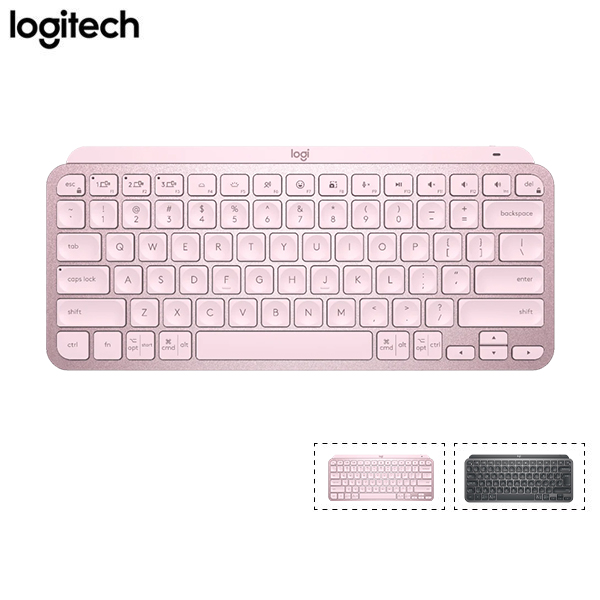
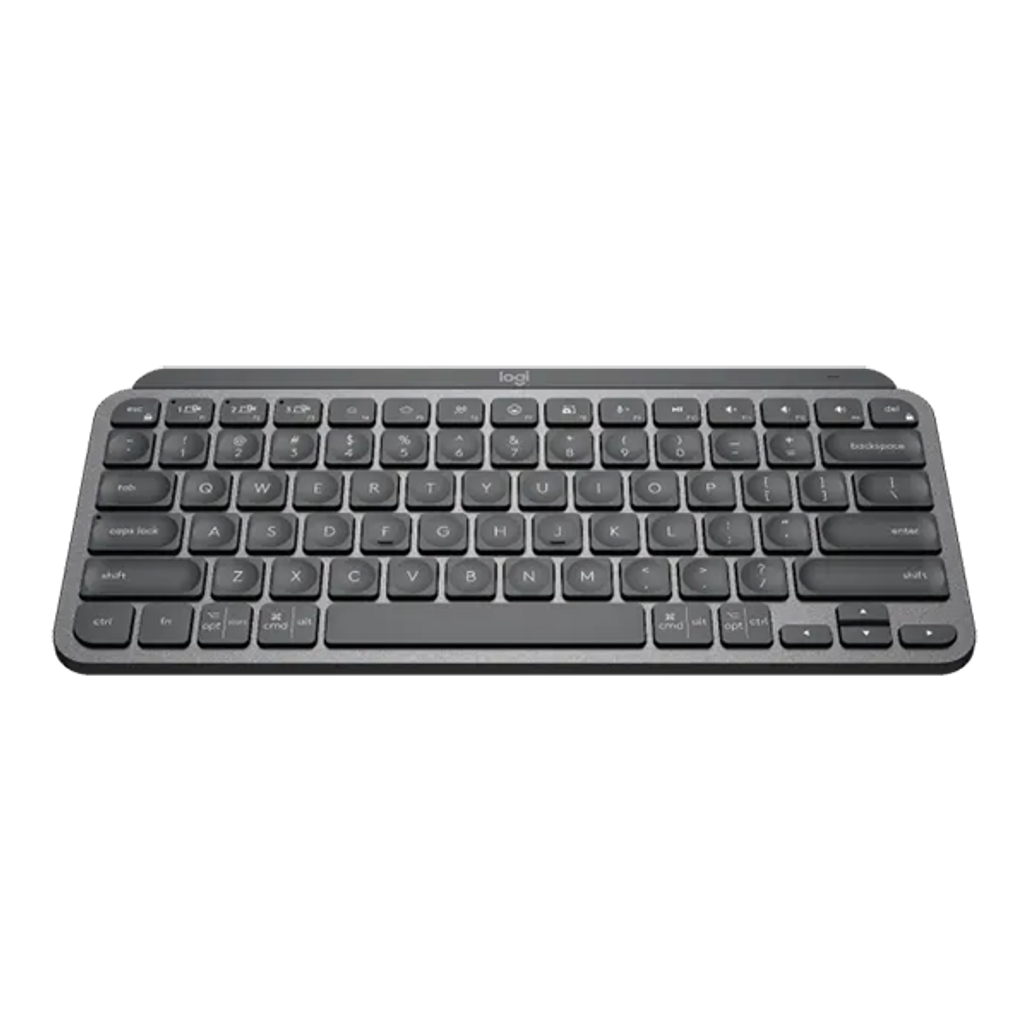
Logitech MX Keys Mini — quiet typing, multi-device pair, USB-C charge.
Keyboard:
- Mechanical (Keychron, Akko) ~2-3tr
- Or quiet MX Keys ~3tr
- Wireless multi-device ideal
Mouse:
- Logitech MX Master 3S ~3tr (productivity king)
- Logitech G Pro X (gaming + work)
- Razer Productivity options
Monitor:
- 27" 4K USB-C ~10-15tr each
- Dual monitor setup
- ~30-40% productivity boost
Other:
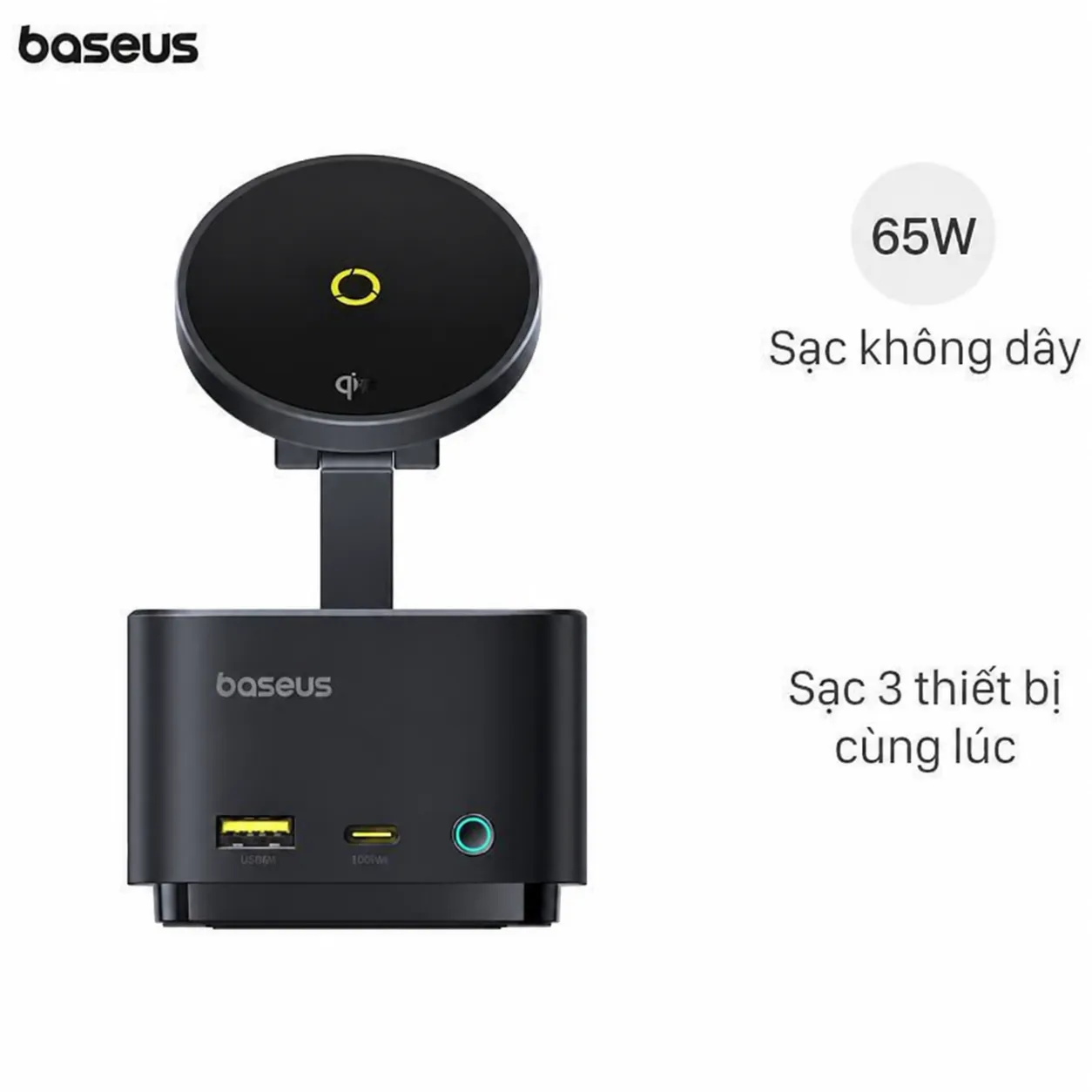
Baseus USB-C Hub — connect peripherals + display.
Ergonomic considerations
Desk:
- Standing desk ~5-8tr
- Adjustable height
- Alternate sit / stand
Chair:
- Herman Miller Aeron (~25tr premium)
- Steelcase Series 1 (~12tr)
- Budget: Markus IKEA ~5tr
Setup height:
- Eye level top of screen
- Elbow 90° typing
- Feet flat floor
Performance benchmarks
Compile time (large project):
- Ryzen 5 7600: 60 giây
- Ryzen 7 7700: 35-40 giây
- Ryzen 9 7950X: 20-25 giây
Multi-task:
- 16GB RAM: heavy browsing OK
- 32GB RAM: Docker + IDE + browser comfortable
- 64GB RAM: heavy ML / VM work
Cost-effective upgrade later
Year 1-2:
- Add second monitor (~5tr)
- Better keyboard / mouse (~3-5tr)
- More peripherals
Year 3-4:
- Upgrade GPU if needed
- More RAM 64GB
- Bigger SSD 2TB
Year 5-7:
- New CPU + motherboard
- Keep case + PSU + storage
- ~50% cost new build
Vs Mac
Mac Pro/Studio:
- ARM Apple Silicon
- macOS integration
- Premium price
- Cannot upgrade post-purchase
Mac vs PC for dev:
- PC: customize, upgrade, cheaper
- Mac: macOS, polished, expensive
When choose Mac:
- iOS / Mac development
- macOS ecosystem
- Premium experience priority
When choose PC:
- Windows / Linux work
- Budget-conscious
- Upgrade flexibility
- Gaming + work combo
Cost breakdown
Tier basic dev (~15tr):
- Ryzen 5 7600 + integrated graphics
- 16GB DDR5
- 512GB NVMe
- Basic case + PSU
Tier balanced dev (~25tr):
- Ryzen 7 8700G (this build)
- 32GB DDR5
- 1TB NVMe
- Mid-range case + PSU
Tier power user (~40-50tr):
- Ryzen 9 7950X
- 64GB DDR5
- 2TB NVMe + 4TB HDD
- RTX 4070
- Premium case + cooling
Tier extreme (~80tr+):
- Threadripper / Xeon CPU
- 128GB RAM
- Multiple NVMe
- RTX 4080/4090
- Workstation case + cooling
Where buy components VN
Online:
- Phong Vũ (most variety)
- An Phát PC (verified)
- GearVN (gaming focus)
- Mai Hoàng (older established)
Comparison shop:
- Lazada / Tiki mall (each store)
- Check warranty terms
- Return policy 7-14 days standard
Thể chất:
- Bưu Điện Tân Bình HCM (multi-shop)
- Lý Nam Đế HN (computer street)
Tránh:
- Shopee shop tiny (mảnh mảng)
- "Pre-built" cheap suspicious
- "Mining card" GPU used heavy
Pre-built alternatives
Reasons pre-built:
- No time for build
- Warranty whole system
- Cables managed
- OS pre-installed
Top pre-built brands:
- NZXT BLD (premium)
- iBUYPOWER
- CyberPowerPC
- Origin PC
- Local: Phong Vũ pre-built
Mark-up:
- Pre-built typically 20-40% premium
- Worth if no DIY skill
- DIY cheaper + customize
Sai lầm phổ biến
| ❌ Sai | ✅ Sửa |
|---|---|
| Cheap PSU "okay" | Quality PSU 80+ Gold |
| Wrong socket motherboard | Match CPU socket exactly |
| Skimp cooling | CPU cooler quality important |
| 8GB RAM today | 32GB future-proof |
| Mining card used | Suspect heavy thermal use |
Common questions
DDR5 vs DDR4 — đáng đầu tư?
DDR5 marginal performance gain (5-10%). Higher cost. Choose DDR5 for new build future-proof.
Wi-Fi 6 vs Ethernet?
Wired ethernet always faster + reliable. Wi-Fi convenient. Both ideal (motherboard has both usually).
Liquid vs air cooling?
- Liquid: better sustained heavy load, more silent
- Air: simpler, no leak risk, cheaper
For Ryzen 7 8700G: good air cooler sufficient. AIO for Ryzen 9.
Build PC tự được không?
Yes. YouTube tutorials abundant. 2-4 hours first build. Or pay assembly service ~500k-1tr.