
Cách build PC gaming budget Gen Z VN 2026 — Ryzen 5 + RTX 4060 dưới 25tr
Cách build PC gaming budget Gen Z VN 2026 — Ryzen 5 + RTX 4060, 16GB RAM. 1080p high FPS, 1440p medium.
Mục lục (60 mục)
Tóm tắt nhanh — gaming PC budget 25tr
| Component | Choice | Giá VN |
|---|---|---|
| CPU | Ryzen 5 7600 | 4.5-5.5tr |
| Motherboard | B650 ATX | 3-4tr |
| RAM | 32GB DDR5 5600 | 3-4tr |
| Storage | NVMe 1TB | 2-3tr |
| GPU | RTX 4060 | 9-11tr |
| PSU | 650W 80+ Gold | 1.5-2tr |
| Case | Mid tower | 1-1.5tr |
| Cooler | AIO 240mm or Air | 1-2tr |
| Total | Complete build | ~24-27tr |
Vì sao build PC vs prebuilt
Build:
- 20-30% cheaper
- Upgrade flexibility
- Learning experience
- Pride ownership
Prebuilt:
- No DIY required
- Warranty whole system
- OS pre-installed
- Saves time
For Gen Z 2026:
- Build = best value
- Learn + customize
- Long-term investment
Components chi tiết
CPU: Ryzen 5 7600
Vì sao:
- 6-core 12-thread modern
- DDR5 support
- Excellent gaming performance
- $$$ value
Alternatives:
- Intel Core i5-13500 (~5tr) - similar
- Ryzen 7 7700 (~6tr) - if budget allows
- Ryzen 5 5600 (~4tr) - older but cheaper
Motherboard: B650 ATX
Khuyên dùng:
- MSI B650 Gaming Plus WiFi ~3.5tr
- ASUS B650M-A ~3tr
- Gigabyte B650 ~3tr
Features needed:
- AM5 socket (Ryzen 7000/8000)
- Wi-Fi 6 built-in
- USB-C
- Multiple M.2 slots
- Bluetooth
RAM: 32GB DDR5
Khuyên dùng:
- Corsair Vengeance 32GB (2x16GB) DDR5 5600 ~3.5tr
- G.Skill Ripjaws alternative
- Kingston Fury budget
Why 32GB:
- Future-proof
- Gaming + streaming
- Multi-tasking comfortable
- Browser 50+ tabs OK
Bảo quản: NVMe 1TB
Khuyên dùng:
- Samsung 990 EVO 1TB ~2.5tr premium
- WD Black SN770 1TB ~2tr
- Crucial P3 1TB ~1.5tr budget
Optional 2nd drive:
- HDD 2TB ~1.5tr for media
- Or 2nd NVMe game library
GPU: RTX 4060
Vì sao:
- Sweet spot 1080p high settings
- 1440p medium settings
- DLSS 3 + Frame Generation
- Ray tracing capable
- ~9-11tr VN
Alternatives:
- RTX 4060 Ti ~12-13tr (more VRAM 8GB)
- RTX 4070 ~16-18tr (1440p high+)
- AMD RX 7700 XT ~14tr (alternative)
PSU: 650W 80+ Gold
Khuyên dùng:
- Corsair RM650X ~2tr
- Seasonic Focus GX-650 ~2.5tr
- Be Quiet Pure Power 11 650W ~1.5tr
Wattage:
- 650W sufficient RTX 4060
- 750W if RTX 4070
- 850W+ RTX 4080+
Tránh:
- No-name cheap PSU (can kill system)
- < 80+ Gold rating
Case: Mid-tower
Khuyên dùng:
- Fractal Design Define 7 Compact ~1.5tr (quiet)
- NZXT H510 / H6 ~1.5tr (clean)
- Lian Li Lancool 216 ~1.5tr (airflow)
Features:
- Cable management
- Front USB-C
- Dust filters
- Sound dampening
Cooler: 240mm AIO or Air
Air cooler (cheaper):
- Noctua NH-U12S Redux ~1.5tr
- be quiet! Dark Rock 4 ~1.5tr
AIO (premium quiet):
- NZXT Kraken 240mm ~2.5tr
- Arctic Liquid Freezer II 240 ~2tr (budget AIO)
Build process
Tools needed:
- Phillips screwdriver
- Anti-static wrist strap optional
- Thermal paste (included usually)
- Cable ties
Step-by-step:
- Install CPU on motherboard
- Apply thermal paste (if needed)
- Mount cooler
- Install RAM
- Install NVMe SSD
- Mount motherboard in case
- Install PSU
- Connect cables
- Boot test
- Install OS
Time: 2-4 hours first build.
Operating system
Windows 11 (most common):
- 64-bit
- ~3tr OEM license
- Or Microsoft Office combo
- Gaming primary OS
Linux (Steam OS + Ubuntu):
- Free
- Proton compatibility most games
- 80%+ Windows games work
- Growing alternative
Peripherals essential
Monitor:
- 27" 1440p 144Hz minimum
- ~6-8tr (LG, Samsung, MSI)
- Or 24" 1080p 144Hz cheaper (~3-4tr)
Keyboard:
- Mechanical recommended
- Akko, Keychron, Glorious
- ~2-3tr quality
Mouse:
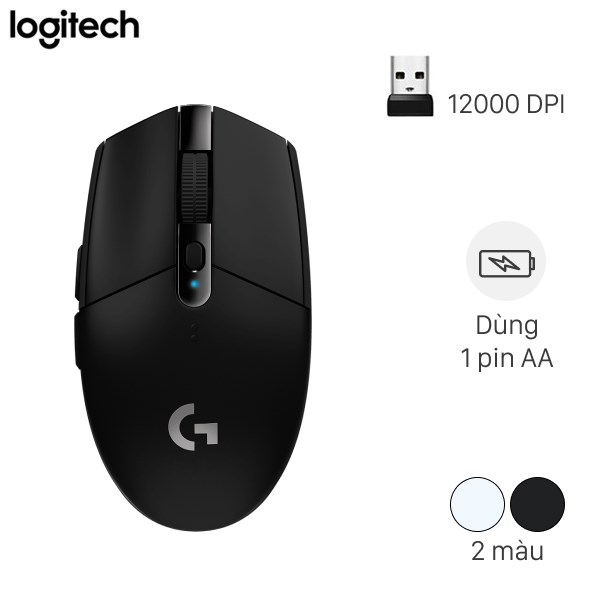
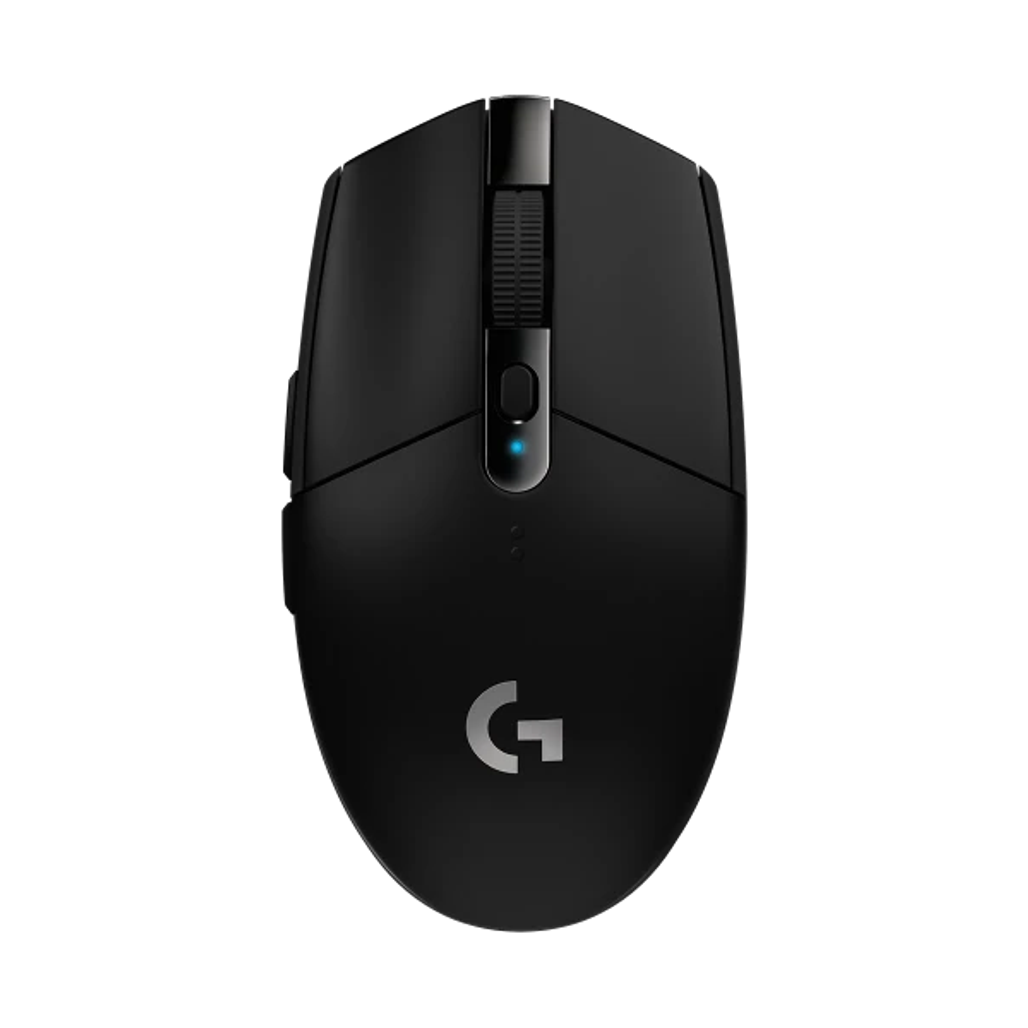
Logitech G304 — wireless gaming mouse, affordable.

Logitech G502 X Plus — multi-button productivity + gaming.

Razer DeathAdder V3 Pro — ergonomic shape.
Headset:
- HyperX Cloud II (~3tr)
- Razer Kraken (~2.5tr)
- Sony WH-1000XM5 multi-purpose
Speakers:
- Logitech Z313 (~700k entry)
- Edifier R1280T (~1.5tr quality)
Microphone:
- HyperX QuadCast (~3tr)
- Blue Yeti USB (~3.5tr)
- Audio-Technica AT2020 USB+
Game performance
1080p high settings RTX 4060:
- Cyberpunk 2077: 60-80 FPS
- Apex Legends: 144+ FPS
- Fortnite: 144+ FPS
- Call of Duty: 120+ FPS
- Helldivers 2: 60+ FPS
1440p medium-high RTX 4060:
- 60+ FPS most games
- DLSS 3 helps
- Modern AAA OK
Ray tracing:
- RT on with DLSS
- 30-50 FPS native
- 60+ FPS with DLSS 3
Online + Live streaming
OBS Studio (free):
- Stream Twitch / YouTube
- Game capture
- Multi-source
NVIDIA Broadcast:
- Background remove
- Noise cancellation
- Built-in RTX cards
Bandwidth:
- 5+ Mbps upload minimum
- 10-20 Mbps comfortable
- Check ISP plan
Cooling + Airflow
Case fans:
- 3 fans minimum
- 2 intake front
- 1 exhaust rear
- Add top exhaust if AIO
Ambient:
- AC if hot climate
- Keep PC ventilated
- Dust filter weekly clean
Thermal:
- Monitor with HWMonitor
- CPU < 80°C typical
- GPU < 75°C typical
- Re-paste if running hot
Vietnamese gaming context
ISP good:
- FPT Fiber 100-1000 Mbps
- Viettel 100-1000 Mbps
- Affordable 200-500k/tháng
Latency:
- Vietnam servers most game
- Asia servers if global
- Generally < 30ms
Gaming community:
- Vietnamese servers
- Discord communities
- Esports tournaments
- LAN events
Where buy components
Online:
- Phong Vũ (most variety)
- An Phát PC (verified)
- GearVN (gaming focus)
- Mai Hoàng (older established)
Comparison shop:
- Lazada / Tiki mall stores
- Verify warranty
- Return policy 7-14 days
Thể chất:
- Bưu Điện Tân Bình HCM (multi-shop)
- Lý Nam Đế HN (computer street)
Tránh:
- Shopee shop tiny (mảnh)
- "Pre-built" cheap suspicious
- "Mining card" GPU used heavy
Used parts consideration
Worth used:
- Case (eternal)
- Iron plates dumbbells
- PSU if quality + tested
Avoid used:
- HDD / SSD (limited life)
- GPU from miners (heavy thermal)
- CPU rarely (test boot)
- RAM (test boot)
Pre-built alternatives
Reasons pre-built:
- No DIY required
- Warranty whole system
- Cables managed
- OS installed
Top pre-built brands:
- NZXT BLD premium
- iBUYPOWER
- CyberPowerPC
- Origin PC
- Local: Phong Vũ pre-built
Mark-up:
- 20-40% premium typical
- Worth if no DIY skill
- DIY cheaper + customize
Future upgrade path
Year 1-2:
- Add second monitor (5-8tr)
- Better keyboard / mouse (3-5tr)
- More peripherals
Year 3-4:
- Upgrade GPU
- 64GB RAM
- 2TB SSD
Year 5-7:
- New CPU + motherboard
- Keep case + PSU + storage
- ~50% cost new build
Sai lầm phổ biến
| ❌ Sai | ✅ Sửa |
|---|---|
| Cheap PSU | Quality 80+ Gold |
| Wrong socket motherboard | Match CPU socket |
| Skimp cooling | CPU cooler quality |
| 8GB RAM today | 32GB future-proof |
| Mining card | Suspect heavy thermal |
Tools accessories
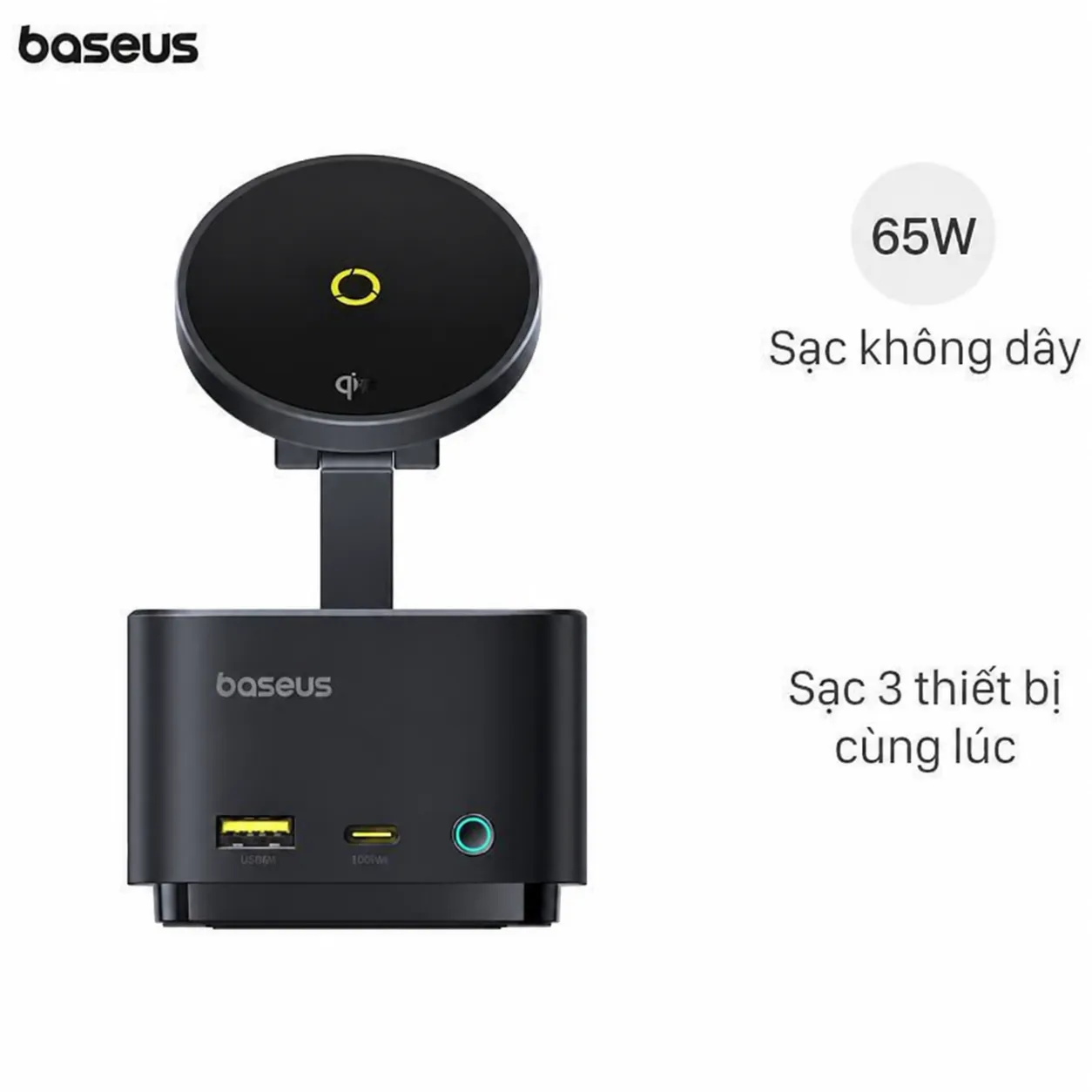
Baseus USB-C Hub — additional ports for laptop alongside PC.
USB-C hub:
- Connect peripherals
- External monitor
- Multiple devices
FAQ chi tiết
DDR5 vs DDR4 — chọn không?
DDR5 marginal performance gain (5-10%). New build: choose DDR5 future-proof.
Wi-Fi 6 vs Ethernet?
Wired faster + reliable. Wi-Fi convenient. Both ideal (motherboard has both usually).
Build PC tự được không?
Yes. YouTube tutorials abundant. 2-4 hours first build. Or pay assembly ~500k-1tr.
Mua linh kiện chính hãng giá rẻ?
- Black Friday / Cyber Monday
- 11/11, 12/12 sales VN
- Phong Vũ ưu đãi
- An Phát PC sale