
Hướng dẫn··4 phút đọc·NenMua Editor
Cách chọn monitor 2K vs 4K Gen Z VN 2026 — work, gaming, creator
Hướng dẫn chọn monitor 2K vs 4K Gen Z VN 2026 — work productivity, gaming 144Hz, creator color accurate. 24-32 inch.
Mục lục (45 mục)
TL;DR — chọn theo use case
| Use case | Khuyến nghị |
|---|---|
| Work productivity | 27" 1440p 60Hz |
| Gaming competitive | 24-27" 1440p 165Hz+ |
| Creator color | 27-32" 4K 60Hz IPS |
| Code daily | Dual 24" 1080p or single 27" 1440p |
| Movie + entertain | 32" 4K HDR OLED |
Resolution comparison
1080p (Full HD):
- 1920×1080
- 24" recommended size
- Affordable
- Outdated cho 2026
1440p (2K / QHD):
- 2560×1440
- 27" sweet spot
- Best balance price/performance
- Recommended cho most Gen Z
4K (UHD):
- 3840×2160
- 27-32" recommended
- Sharp text + image
- Cần GPU mạnh cho gaming
5K / Ultra Wide:
- 5120×1440 ultrawide
- Productivity heavy
- $$$
Panel type
IPS (most common):
- ✅ Color accuracy
- ✅ Wide viewing angle
- ❌ Response time slower (5-10ms)
- Best for: creator, work, gaming casual
VA:
- ✅ Contrast highest
- ✅ Deep black
- ❌ Color banding
- Best for: movie, gaming dark scene
OLED:
- ✅ Perfect black + contrast
- ✅ Fastest response
- ❌ Burn-in risk static UI
- ❌ Expensive
- Best for: premium, movie, gaming
TN (avoid 2026):
- ✅ Fastest response 1ms
- ❌ Color poor
- ❌ Viewing angle narrow
- Outdated
Refresh rate
60Hz:
- Standard productivity
- Movie + Netflix
- OK casual gaming
120Hz:
- Console gaming PS5/Xbox Series X
- Smooth scroll
- Entry competitive gaming
144Hz:
- Sweet spot competitive
- All esport games smooth
- Most affordable high-refresh
165-240Hz:
- Pro competitive
- CS / Valorant edge
- Diminishing return after 240
360Hz+:
- Pro tournament
- Esport athletes
Top 5 monitor recommendations (chưa có DB)
Tier 1 — Budget (5-7tr):
- LG 24MK600 — 24" 1080p 75Hz IPS
- Acer KA242Y — 24" 1080p 100Hz
- Samsung CRG5 — 27" 1080p 144Hz
Tier 2 — Mid (7-10tr):
- LG 27GP850 — 27" 1440p 165Hz IPS
- MSI G272QPF — 27" 1440p 170Hz IPS
- Gigabyte M27Q P — 27" 1440p 165Hz
Tier 3 — Premium (10-15tr):
- LG 27GP950 — 27" 4K 160Hz
- Dell U2723QE — 27" 4K 60Hz IPS Black
- ASUS ProArt PA279CV — 27" 4K 60Hz creator
Tier 4 — Pro (15-30tr):
- LG OLED 27EP950-B — 27" 4K OLED
- Apple Studio Display — 27" 5K (Mac)
- Samsung Odyssey G9 — 49" ultrawide
Size recommendation
| Distance | Recommended |
|---|---|
| 50-70cm | 24-27" |
| 70-90cm | 27-32" |
| 90cm+ | 32"+ |
⚠️ 32" 1080p = pixelated. Match resolution + size.
Color gamut
sRGB:
- Web standard
- 100% sRGB = good for daily
- Most monitor cover
DCI-P3:
- Cinema standard
- 95%+ DCI-P3 = creator grade
- Premium monitor
Adobe RGB:
- Print industry
- 90%+ Adobe RGB = pro photographer
HDR:
- VESA DisplayHDR 400 / 600 / 1000
- 1000+ true HDR
- 400 entry-level
Connectivity
Ports cần check:
- HDMI 2.0/2.1 (gaming console)
- DisplayPort 1.4 (PC gaming)
- USB-C 90W PD (laptop single cable)
- USB Hub (peripheral)
- 3.5mm headphone jack
Pair với accessories
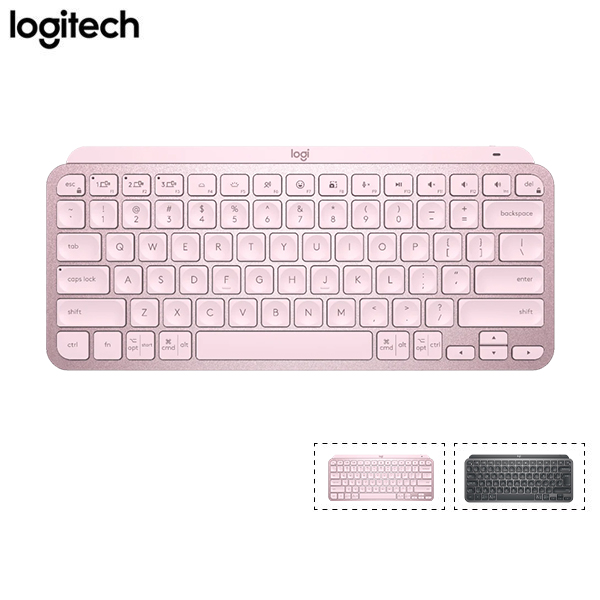
Wireless keyboard cho clean desk.
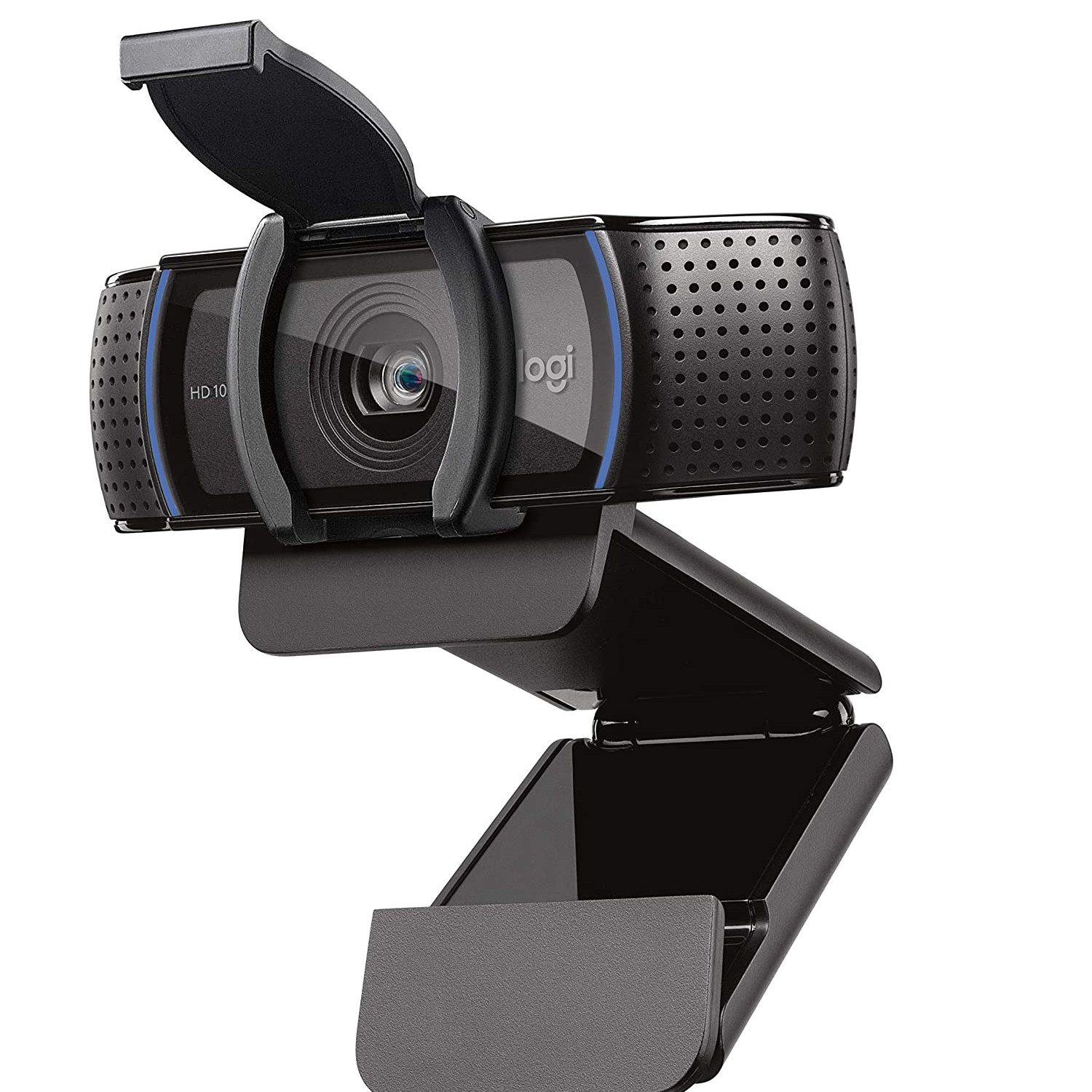
Webcam mount on top monitor.
Calibration
Self-calibration:
- Monitor menu adjust
- Match ambient light
- Free, OK casual
Hardware calibration:
- Spyder X / ColorChecker
- ~3-5tr device
- Pro accuracy
- Monthly recalibrate
Software profile:
- DisplayCAL (free)
- Calibrite ColorChecker
Setup ergonomic
Eye level:
- Top edge monitor ngang eye level
- Look slightly down at center
Distance:
- Arm length apart
- 50-70cm
Tilt:
- 5-10° backward
Anti-glare:
- Position perpendicular window
- Matte coating preferred
Dual monitor setup
Reasons:
- Productivity 30-50% boost
- Reference material side-by-side
- Code + browser side
Chuẩn bị:
- Same size + resolution preferred
- One primary forward
- Secondary 30° angle
Chi phí:
- Pair budget monitor 2x cheaper than ultrawide
- More flexible arrangement
Sai lầm thường gặp
| ❌ Sai | ✅ Đúng |
|---|---|
| 4K 60Hz cho competitive gaming | 1440p 165Hz |
| TN panel cho creator | IPS / OLED |
| Match brand laptop | Spec > brand |
| Cheap HDMI cable | DisplayPort 1.4 quality |
FAQ chi tiết
Có cần OLED không? Nếu budget 15tr+ và mostly movie / dark UI: yes. Office work: IPS đủ.
4K cho 24" worth? Không. 27"+ mới thấy difference 4K vs 1440p. 24" 1440p sweet spot.
Ultrawide vs dual monitor?
- Ultrawide: seamless, expensive
- Dual: flexible, cheaper, gap visible
Mua chính hãng ở đâu? GearVN, Phong Vũ, ThinkPro.