
Cách tối ưu MacBook Air Gen Z VN 2026 — settings, apps, productivity
Cách tối ưu MacBook Air Gen Z VN 2026 — system settings, productivity apps, battery, storage. Maximize Apple Silicon.
Mục lục (81 mục)
Tóm tắt nhanh — MacBook Air optimization
| Area | Action |
|---|---|
| Battery | Optimize charging + dim display |
| Storage | Manage iCloud + clean files |
| Productivity | Apps + automation |
| Speed | Background processes |
| Security | Updates + 2FA |
Vì sao optimize
MacBook Air M-chip:
- Already efficient design
- More optimization = even better
- Battery longer
- Smoother performance
Modern lifestyle:
- All-day battery essential
- Productivity matters
- Multi-tasking heavy
Battery optimization
System settings:
Settings → Battery:
- Low Power Mode (always)
- Battery health: optimized charging
- Slightly dim display
- Auto-brightness on
Activity Monitor:
- View → Energy tab
- Identify apps high impact
- Quit / replace alternatives
- Browser tabs reduce
Common drains:
- Chrome (alternatives: Safari, Brave)
- Many open tabs
- Background apps streaming
- Bluetooth devices many
Outdoor:
- Brightness 50% suffices typical
- Don't max brightness
- Keyboard backlight off if not needed
Storage management
Check storage:
- About This Mac → Storage
- Identify largest folders
- Manage recommendations
Optimize iCloud:
- Photos: Store originals iCloud, optimize Mac
- Documents: Store in iCloud Drive
- Storage on Mac: optimize
Clean apps:
- Uninstall unused apps
- Trash empty regular
- Cache + log files clean
Công cụ:
- CleanMyMac X ($89/năm)
- DaisyDisk ($10)
- AppZapper for removal
Storage tier (don't run out):
- < 50GB: clean immediately
- 50-100GB: warning
- 100GB+: comfortable
- Avoid: < 10GB (system stutter)
Productivity apps
Built-in essentials:
- Notes (sync iCloud)
- Calendar
- Safari (energy efficient)
- Pages, Numbers, Keynote (free Office equivalent)
Third-party essentials:
Productivity:
- Notion (notes + project)
- Todoist (task)
- Apple Calendar
- Slack (work)
Code:
- VS Code
- iTerm2 (terminal)
- Homebrew (package manager)
Design:
- Figma
- Adobe CC (subscription)
- Canva
Browser:
- Safari (energy)
- Brave (privacy + speed)
- Chrome (compatibility)
Utility:
- Magnet (window snap)
- Rectangle (similar)
- Alfred (Spotlight alternative)
- 1Password (password manager)
Speed + Performance
Startup items:
- System Settings → General → Login Items
- Reduce to essentials
- Slack, Notion, etc. as needed
Browser optimization:
Safari:
- Built-in energy efficient
- Adblock content blocker
- Reading list save articles
Brave:
- Privacy built-in
- Fast
- Battery similar Safari
Chrome (if needed):
- Memory Saver: ON
- Energy Saver: ON
- Extensions minimal
Memory check:
- Activity Monitor → Memory
- Memory Pressure (yellow = need 16GB+)
- Quit memory-heavy apps
Keyboard + Mouse
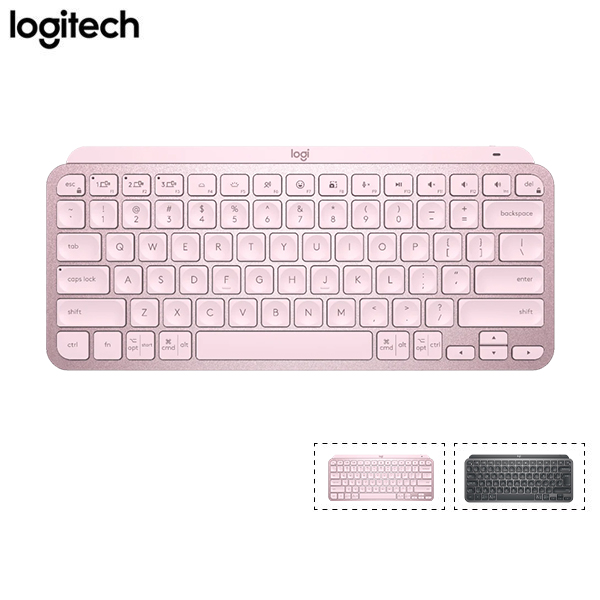
Logitech MX Keys Mini — comfort + multi-device.
Apple Magic Keyboard:
- Built-in or external
- $99-129
- Match aesthetic
Apple Magic Trackpad:
- Gesture support
- $129
- Built-in MacBook excellent
Bluetooth mouse alternative:
- Logitech MX Master 3S
- Apple Magic Mouse (less ergonomic)
External monitor
Vì sao:
- Multi-task more
- Better posture
- Productivity 30-50% boost
Khuyên dùng:
Apple Studio Display:
- 27" 5K
- $1,599 premium
- Apple ecosystem perfect
LG UltraFine 4K 27":
- $599
- Apple compatible
- Good color
Dell U2723QE:
- 27" 4K USB-C
- $$$$
- Multi-purpose
Budget option:
- 27" 1440p (~3-5tr)
- USB-C port helpful
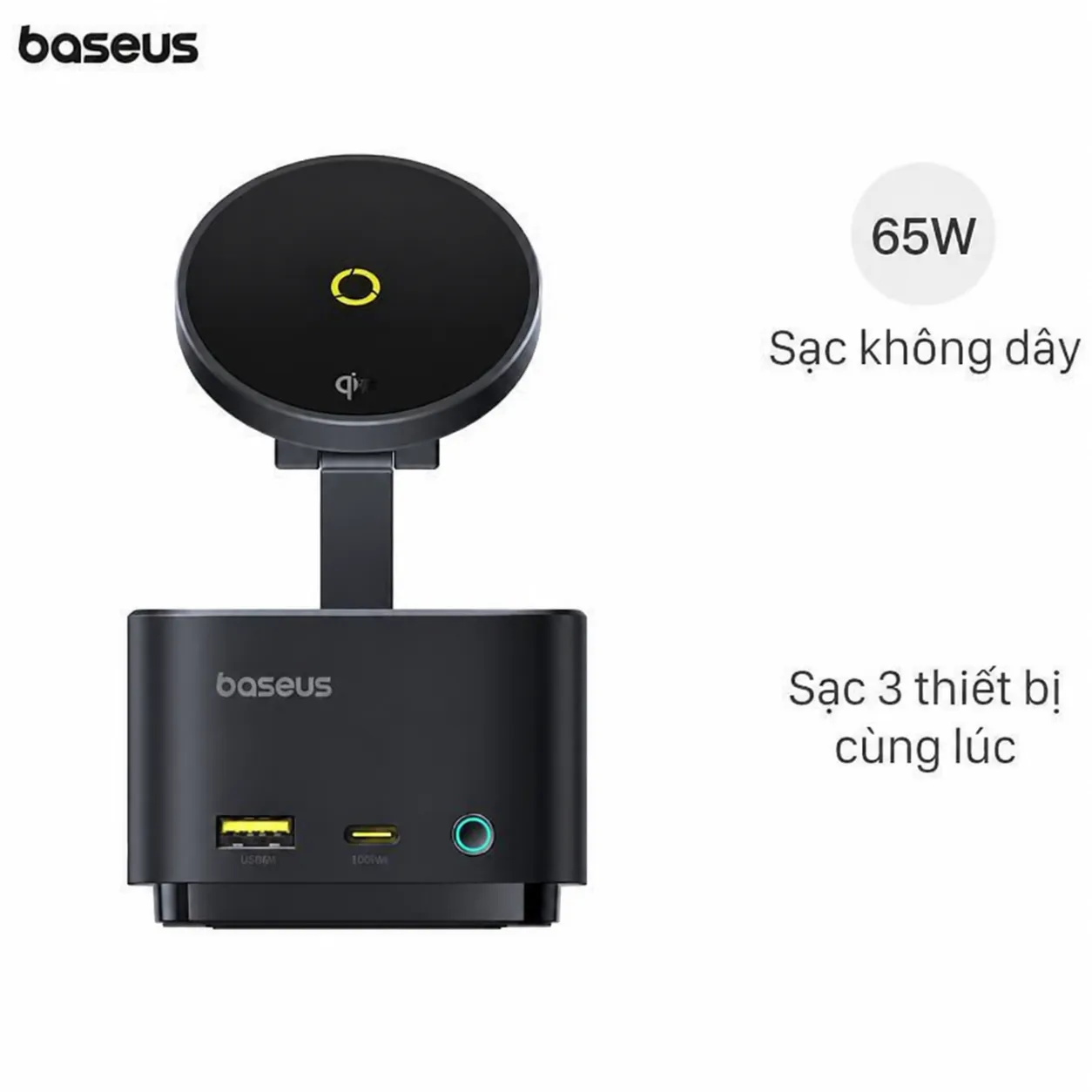
Baseus Hub — USB-C expansion for monitor + accessories.
Battery longevity
Charging habits:
- Don't always plug in
- Discharge to 20-30% sometimes
- Charge to 80% if Optimized On
- Lithium-ion battery best
Heat:
- Avoid hot environment (car summer)
- Don't game heavy + charge
- Use AC on lap
- MacBook Pro recommended for heat-intensive
Real-world battery:
- M3 Air: 15-18 hours
- Web browsing typical
- Video streaming 14-16 hours
- 2-3 năm to 80% capacity
Security
Thiết yếu:
- Software update auto
- FileVault encryption ON
- 2FA on Apple ID
- Strong password
Tùy chọn:
- VPN public Wi-Fi (NordVPN, ProtonVPN)
- iCloud Advanced Data Protection
- Find My Mac enable
Quyền riêng tư:
- Apple's commitment strong
- App permissions strict
- Privacy report Safari
Sleep + Wake
Settings:
- System Settings → Lock Screen
- Sleep after 10 phút inactive
- Display sleeps quicker
- Hot Corners (top-right corner = sleep)
Battery saver:
- Optimize when on battery
- Less aggressive plugged
Backup strategy
Time Machine:
- Built-in macOS
- External drive setup
- Backup daily
- Multiple restore points
iCloud Drive:
- 5GB free
- 50GB ($1/month)
- 200GB ($3/month)
- Family share
Third-party:
- Backblaze ($9/month unlimited)
- iDrive
- pCloud
Productivity hacks
Spotlight:
- Cmd + Space
- Find files apps
- Quick math + currency
- Definitions
Mission Control:
- Cmd + Up
- See all windows
- Drag between desktops
- Workflow organize
Stage Manager (macOS Ventura+):
- App grouping
- Multi-tasking visual
- Less clutter
Hot Corners:
- Top-left: Mission Control
- Top-right: Lock screen
- Bottom-right: Sleep display
- Customize useful
Universal Clipboard:
- Copy iPhone, paste Mac
- iCloud sync
- Seamless
Continuity:
- Phone calls Mac
- Sidecar (iPad as 2nd screen)
- AirDrop transfer
Apps for content creators
Video:
- Final Cut Pro ($299 one-time)
- DaVinci Resolve (free)
- iMovie (free)
Photo:
- Lightroom Classic
- Capture One
- Pixelmator Pro ($40)
Âm nhạc:
- Logic Pro ($199)
- GarageBand (free)
- Ableton Live
Streaming:
- OBS Studio (free)
- ScreenFlow
- Camo Studio (iPhone as webcam)
Code setup
Đồ thiết yếu:
- Xcode (free)
- VS Code
- iTerm2
- Homebrew
Brew install:
/bin/bash -c "$(curl -fsSL https://raw.githubusercontent.com/Homebrew/install/HEAD/install.sh)"
Common dev tools:
- git
- node + npm
- python
- vscode
Database:
- PostgreSQL
- MySQL
- Docker Desktop
IDEs:
- JetBrains (PHPStorm, WebStorm, etc.)
- VS Code (universal)
- Sublime Text
Privacy enhance
App permissions:
- Privacy & Security → manage each
- Camera, microphone, location
- Review regularly
Browser:
- Safari Privacy Report
- Brave Shields (block trackers)
- Decentraleyes extension
Apple ID:
- 2FA enable
- Strong password unique
- Hide My Email
- Private Relay
Network optimization
Wi-Fi:
- 5GHz preferred (faster)
- Newer routers Wi-Fi 6/6E
- Forget old networks
VPN:
- For public Wi-Fi
- NordVPN $13/month
- ProtonVPN free option
Cellular hotspot:
- Personal Hotspot iPhone
- Use as backup
- Mind data usage
Sai lầm phổ biến
| ❌ Sai | ✅ Sửa |
|---|---|
| Don't sleep MacBook | Always sleep when not use |
| Heavy work on battery | Plug in heavy tasks |
| Skip backup | Time Machine + iCloud |
| Bloated startup items | Trim regularly |
| Multiple browsers same time | Stick 1-2 |
When upgrade
Dấu hiệu:
- Slow apps
- Battery 70%- capacity
- Spinning beach ball regularly
- Storage full chronic
Lựa chọn:
- Upgrade RAM (M-chip not upgradable buy higher initially)
- External SSD storage
- Replace if 5+ năm
MacBook Pro vs Air
Pro better for:
- Video editing heavy
- 3D rendering
- Programming compile heavy
- Multi-monitor multiple
Air better for:
- Daily use
- Battery prioritize
- Lighter weight
- Cost
Health tracking
Mi Band 9 — work session reminders + activity.
Apps reminder:
- Stretchly (break reminder)
- Time Out (Mac)
- Apple Watch breathe reminder
Chuẩn bị:
- 20-20-20 rule (look 20ft every 20 min)
- Stand each hour
- Stretch shoulders
Apple Care+ consideration
Chi phí:
- $200-400 over 3 năm
- Coverage hardware + accidental
Worth:
- Accident-prone: yes
- Pro creator: yes
- Daily commute: yes
- Stationary use: maybe not
FAQ chi tiết
MacBook Air 8GB vs 16GB?
- Light use (Office + browser): 8GB OK
- Multi-task + video editing: 16GB recommended
- Pro work: 24GB+
Bao lâu replace MacBook?
- 5-7 năm comfortable
- Battery degrade typical 4-5 năm
- Apple supports 7+ năm updates
External monitor cần thiết?
For desk work: yes (productivity boost). Travel-focused: no (laptop sufficient). Hybrid: 1 external + travel ready.
Mua MacBook chính hãng giá rẻ?
- Apple Education discount (10%)
- Refurbished Apple official (~15-20% save)
- Black Friday US (~$200 off)
- Trade-in iPad / old Mac